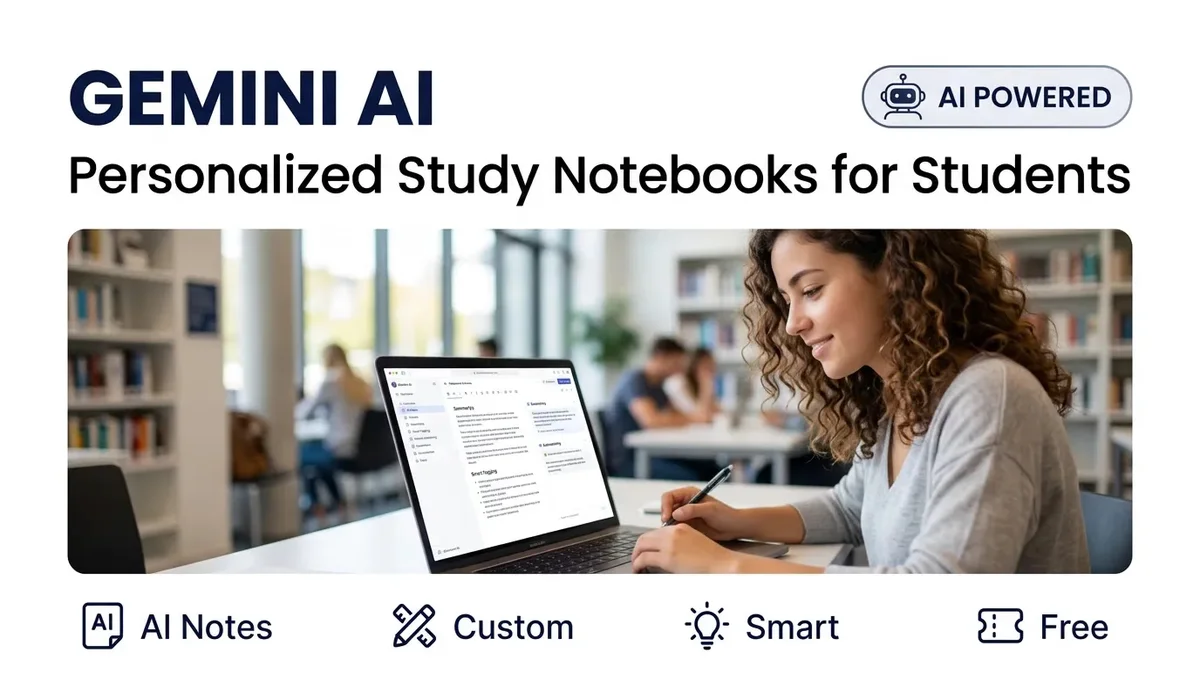
Google has launched Gemini AI-powered study notebooks at ISTE 2026 (International Society for Technology in Education conference). These personalized learning tools use artificial intelligence to create adaptive lessons and quizzes that adjust to each student's learning pace and style.
What Are Gemini Study Notebooks?
Gemini Study Notebooks are AI-powered learning tools integrated into Google's Gemini platform. They create personalized lessons and quizzes that adapt as a student learns. Here is how they work:
1. Personalized Content: The AI analyzes what a student knows and what they need to learn, then creates custom study material.
2. Adaptive Quizzes: Quizzes adjust difficulty based on student performance. If you get a question wrong, the next question focuses on that concept.
3. Progress Tracking: The notebook tracks learning progress and identifies weak areas that need more practice.
4. Multi-subject Support: Works across subjects — Math, Science, History, Languages, and more.
Key Features
| Feature | Description |
|---|---|
| Adaptive Learning | Lessons adjust to student's pace and understanding |
| Smart Quizzes | AI-generated questions based on learning gaps |
| Progress Dashboard | Visual tracking of learning progress |
| Google Classroom Integration | Works seamlessly with Google Classroom |
| Availability | Free for Google accounts |
How Indian Students Can Use It
Step 1: Visit gemini.google and login with your Google account
Step 2: Click on "Study Notebooks" or "Notebook" feature
Step 3: Select your subject and topic
Step 4: The AI creates a personalized study plan with lessons and quizzes
Step 5: Study at your own pace — the AI adapts to your progress
Can AI Replace Traditional Coaching?
AI tools like Gemini Notebooks are powerful supplements, but they cannot fully replace human teachers. Here is a balanced view:
AI is good for: Personalized practice, instant feedback, learning at your own pace, revision, and concept clarification.
Human teachers are better for: Motivation, doubt clearing, emotional support, complex problem-solving, and exam strategy.
Best approach: Use AI tools for daily practice and revision, while relying on teachers for concept teaching and guidance.
Modern Education at JGPS
JGPS School Joya combines traditional teaching with modern technology. For admissions, call +91 9412137554.
August 2026 Update
Gemini Study Notebooks are now available for personal Google accounts and will be rolling out to Google Workspace for Education accounts in September 2026. Google has also announced Guided Learning sessions in Google Classroom powered by Gemini. Source: Google Blog (June 2026).