Announcement
Admissions Open for Session 2026-27 (Nursery to Class 8)Special Coaching Batches for AMU, JMI, Sainik School, and Vidyagyan!Call Admissions Desk at +91 9412137554Submit Online Form to reserve your evaluation seatAdmissions Open for Session 2026-27 (Nursery to Class 8)Special Coaching Batches for AMU, JMI, Sainik School, and Vidyagyan!Call Admissions Desk at +91 9412137554Submit Online Form to reserve your evaluation seat
View Process →
Home /Blog /Google AI Tools ISTE 2026
🔴 High Priority Alert

Maximizing the New Google AI Tools for Students (ISTE 2026 Updates)

📅 Date: July 4, 2026 Author: Neha Singh Read time: 5 mins
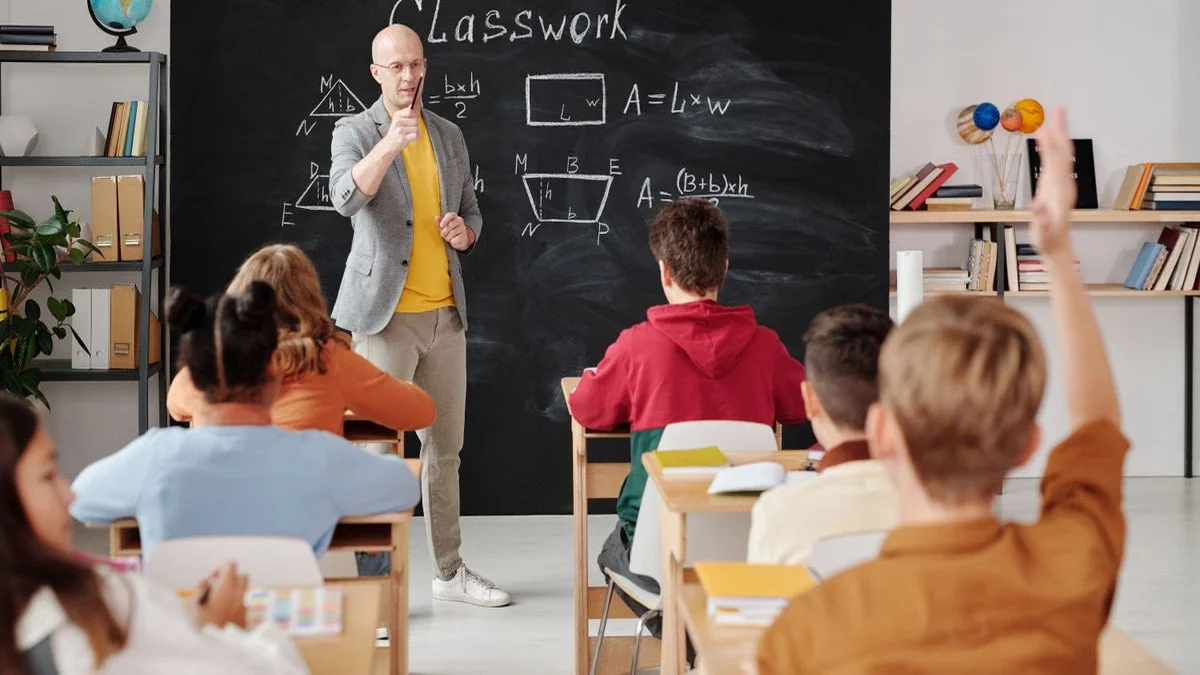
Indian students studying intently in a modern classroom

What Is the Quick Answer for Parents?

Google launched new AI tools at ISTE 2026 called Gemini Study Notebooks. These tools help your child learn better by finding weak spots and making custom quizzes. But AI only works if your child uses it the right way. Teach them to ask AI to test their knowledge, not do the work for them.

Your child just walked in from school and said, "AI will do all my homework now." That is the wrong way to think about the new Google AI tools for students. Google launched Gemini Study Notebooks at ISTE 2026. These tools track your child's weak spots. They make quizzes just for them. Over 70 million students worldwide now use AI learning tools through Google Classroom.

But most kids will use these tools wrong. They will ask AI to do the work. That is not learning. That is cheating. You need to teach your child the right way to use these new tools. This guide will show you how.

What Are the New Google AI Tools for Students?

Google made a big announcement at the ISTE 2026 conference. They added AI tools directly into Google Classroom. The main tool is called Gemini Personalized Study Notebooks. It is built right into the tools your child already uses at school.

These AI tools do two main things. First, they watch what your child studies over time. Second, they find the topics your child keeps getting wrong. Then the AI makes small quizzes to help fix those gaps. It is like having a personal tutor that never gets tired.

Google also added AI features to Google Classroom. Teachers can now see more details about how each student is doing. They can spot problems early and help your child before it is too late.

Quick Facts About Google AI Tools for Students?

FeatureWhat It DoesWhy It Matters
Gemini Study NotebooksTracks weak spots over timeFinds gaps your child may miss
Auto QuizzesMakes small tests for weak topicsTargets what needs more work
Google Classroom AIGives teachers deep progress dataTeachers catch problems early
Writing Pattern CheckDetects unusual work patternsSpots AI-written homework
Reverse-Prompting SupportGrades your child's own answersTurns AI into a tutor, not a crutch

Who Gets These Tools and When?

These new AI tools are not for everyone at once. Google is rolling them out in phases. Here is what you need to know.

  • Schools using Google Workspace for Education: These schools will get the tools first. Most CBSE and ICSE schools already use Google Classroom.
  • Rollout timeline: Google started the rollout in June 2026. Most Indian schools will have access by December 2026.
  • Student accounts: Your child needs a school-managed Google account. Personal Gmail accounts will not work for these features.
  • Cost: Basic features are free for all school accounts. Some advanced AI tutoring tools may need a paid school license.
  • Teacher access: Teachers get analytics on student progress as soon as the school turns on the features.

What You Need to Know About These Tools?

The biggest thing to understand is this: AI is a tool, not a shortcut. The new Gemini Study Notebooks can help your child learn better. But only if your child uses them the right way.

Most students will make a big mistake. They will ask AI to summarize long chapters. They will ask AI to write their answers. That is not learning. Your child will forget everything by exam time. The brain needs to do the work to remember things.

The smart way is called reverse-prompting. Your child reads the book. Then writes their own answer. Then asks the AI to grade it and find mistakes. This keeps your child's brain active. The AI becomes a tutor, not a ghostwriter.

Google Classroom also changed. Teachers can now see if work looks different from your child's usual style. If the AI spots something odd, it flags it. Teachers can tell if your child is doing the work or letting AI do it.

How to Help Your Child Use These Tools: Step-by-Step Plan?

Here is what you can do right now to help your child get the most from these new tools.

  1. Talk to your child tonight. Ask them what they know about the new AI tools. Explain that AI is a helper, not a shortcut. Tell them the school may start using these tools soon.
  2. Teach the reverse-prompting method. Show your child this simple process: read the chapter, write a practice answer, paste it into Gemini, and ask the AI to grade it like a strict teacher. This is the best way to use AI for studying.
  3. Check if your school uses Google Classroom. Ask the school if they have turned on the new AI features. If not, ask when they plan to. You can also email the school IT team.
  4. Set rules for AI use at home. Make a simple rule: your child must read the chapter first. Then write their own notes. Only then can they use AI to check their work. Never let AI write the first draft.
  5. Monitor progress with the school. When the tools are live, ask the teacher for progress reports. Google Classroom now shows more data about how your child is doing. Use this information to help where your child struggles.
  6. Practice together once a week. Sit with your child and try a study session using the AI tools. Ask Gemini to quiz your child on a topic they find hard. This makes learning a team effort.

What Are the 5 Mistakes Parents Must Avoid?

These are the most common mistakes parents make when their child gets access to AI study tools. Avoid them to help your child succeed.

  1. Letting AI do the homework. The biggest mistake is letting your child ask AI to write answers. This teaches nothing. Your child will fail in exams because they never learned the material.
  2. Not checking how the AI is used. Some parents do not ask their child how they use AI. Ask to see the chat history. Make sure your child is asking the right questions, not just copying answers.
  3. Ignoring the writing pattern alerts. Google Classroom can flag work that looks different from your child's usual style. Do not ignore these alerts. Talk to your child and the teacher if you see one.
  4. Skipping the reading step. Your child must read the chapter before using AI. If they skip reading, the AI quiz will not help. The brain needs the full experience of reading to build memory.
  5. Waiting too long to start. Do not wait until exams to introduce AI study tools. Start now. The earlier your child learns to use these tools right, the better they will do all year.

People Also Ask

What are the new Google AI tools for students announced at ISTE 2026?

Google launched Gemini Personalized Study Notebooks at ISTE 2026. These tools track a student's weak spots and create custom quizzes. Google Classroom also got new AI features that help teachers track student progress.

How should students use Gemini for studying?

Use reverse-prompting instead of asking AI to write answers. Read your book, write your own answer, then paste it into Gemini. Ask the AI to grade it like a strict examiner and find gaps.

Are the new Gemini student features free?

Basic personalized notebook features will be free for school accounts. Some premium AI tutoring tools may need special school licensing. Check with your school for exact details.

Can teachers see if students use AI to study?

Yes. If your child uses a school-managed Google account, teachers can see how they use AI study tools. The system also checks if work matches your child's usual writing style.

When will these Google AI tools be available in Indian schools?

Google is rolling out these features in phases through 2026. Most Indian schools using Google Workspace for Education will get access by the end of this year. Your school's IT team will set it up.

What Should You Do Next?

The new Google AI tools for students are a big step forward. Gemini Study Notebooks can help your child learn in a smart way. But only if they use these tools right. Teach your child to use reverse-prompting. Make sure they read before they ask AI for help. Talk to the school about when these features will be ready.

Your child's school matters. At Jai Govind Public School, we help students use new tools the right way. We focus on real learning, not shortcuts. If you want to know more about how JGPS uses AI in education, call us at +91 9997161490. We are happy to help your child succeed.

Neha Singh

Neha Singh

Study Habits Expert, JGPS

Neha Singh is dedicated to transforming how students learn through modern productivity techniques. She actively integrates AI tools like Gemini to create structured, high-yield study routines for board and competitive exams.

View Full Profile